Issuance of a Credential with a Signer Account
1.
"New Credential as Signer" Form
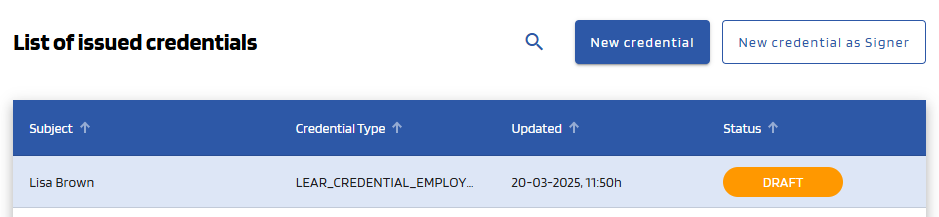
To create a Verifiable Credential, click the "New credential as Signer" button, at the top right corner of the dashboard page, which will take you to the creation form.


2.

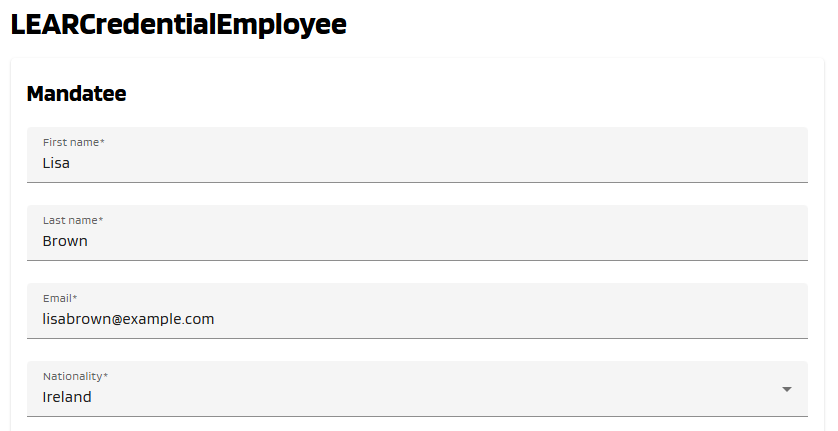
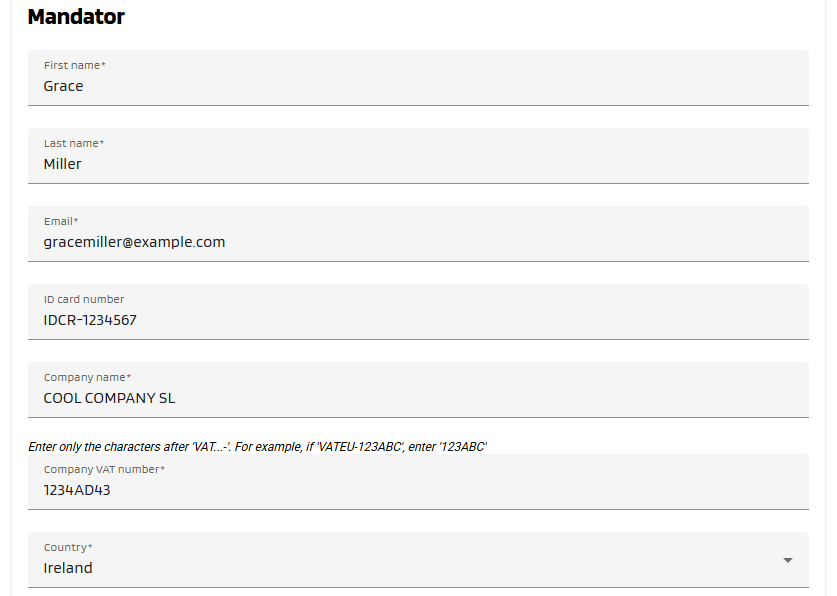
Complete the "New Credential Formas Signer" form
Fill inall the detailsMandatee (theand currentMandator account will be only the Signerfields of the Credential)form, which are marked with a "*" symbol. Below, see an example of filled form.


3. Adding Powers to the Credential Subject
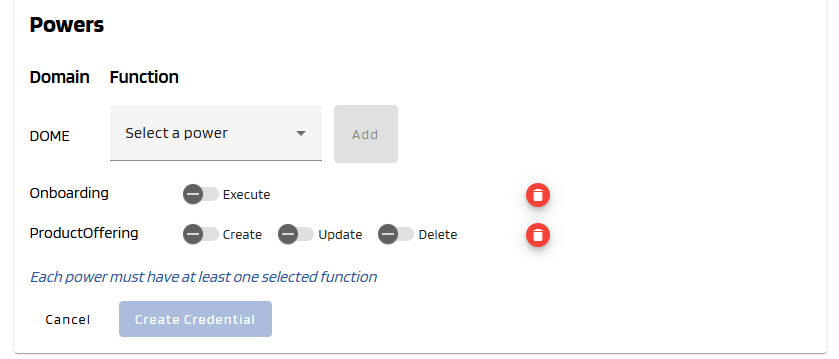
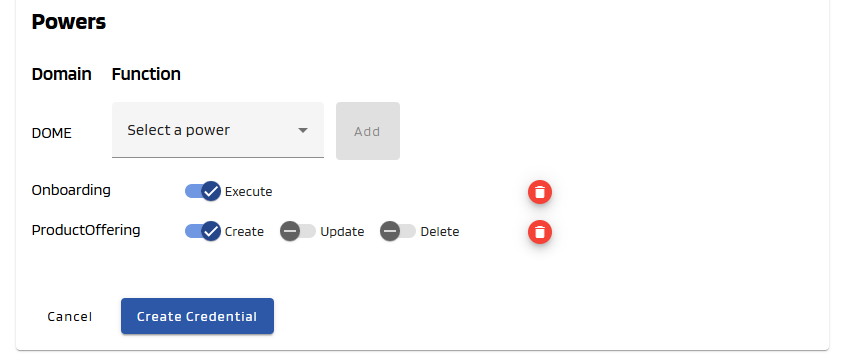
You can add different powers in the last portionpart of the form using the combo boxbox. Select at least one.

4.
Create Credential
Once completeall clickmandatory fields all correctly filled, the "Create Credential" button will become brighter, indicating that it can be clicked. Click on it.
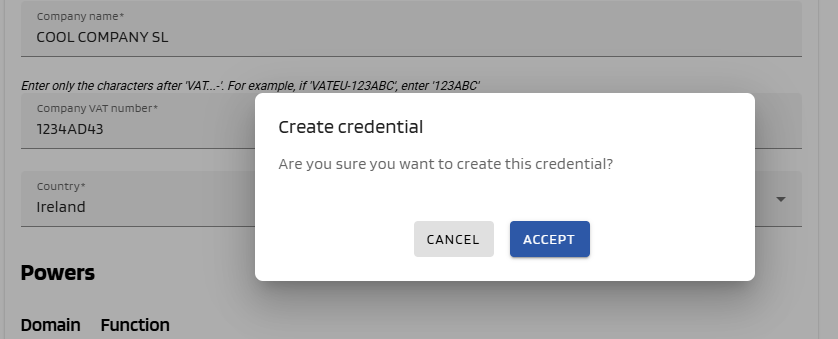
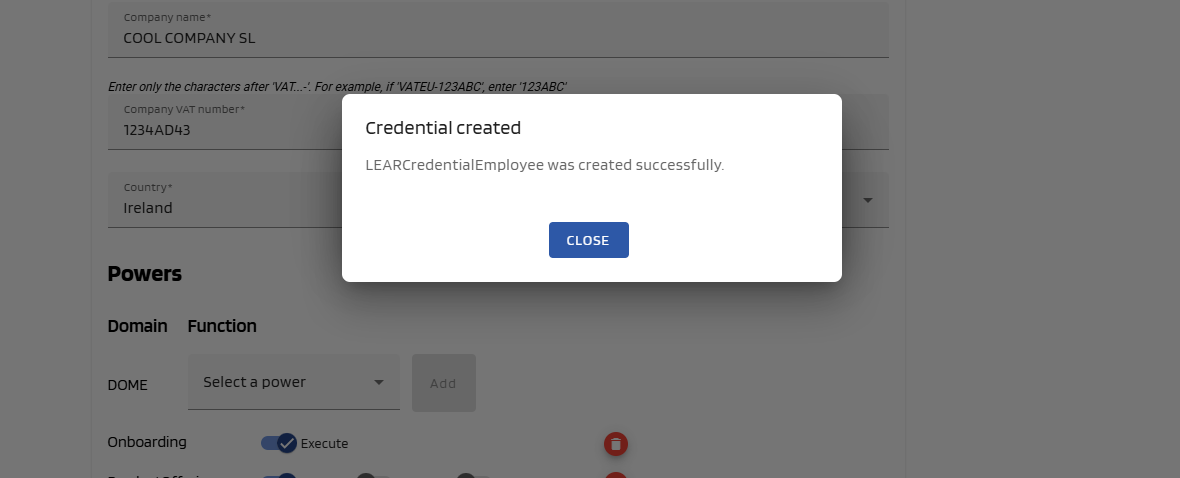
A popup will be displayed to confirm that you want to create the credential. Click "CreateAccept" Credential"to button.create Youit. If the issuance is successful, a success message will be displayed and you will be redirected to the dashboard page.
5.
See the Issued CredentialSee Result
WeYou will see that the Credential weyou just created has a status of DRAFT. After the user downloads it with the Wallet, it will have a status of DRAFTVALID (you might have to refresh the page to see it change).